Training & study
Practice recognizing surface anatomy and naturally visible vein patterns in real-world conditions.
Real-time camera enhancement for Android
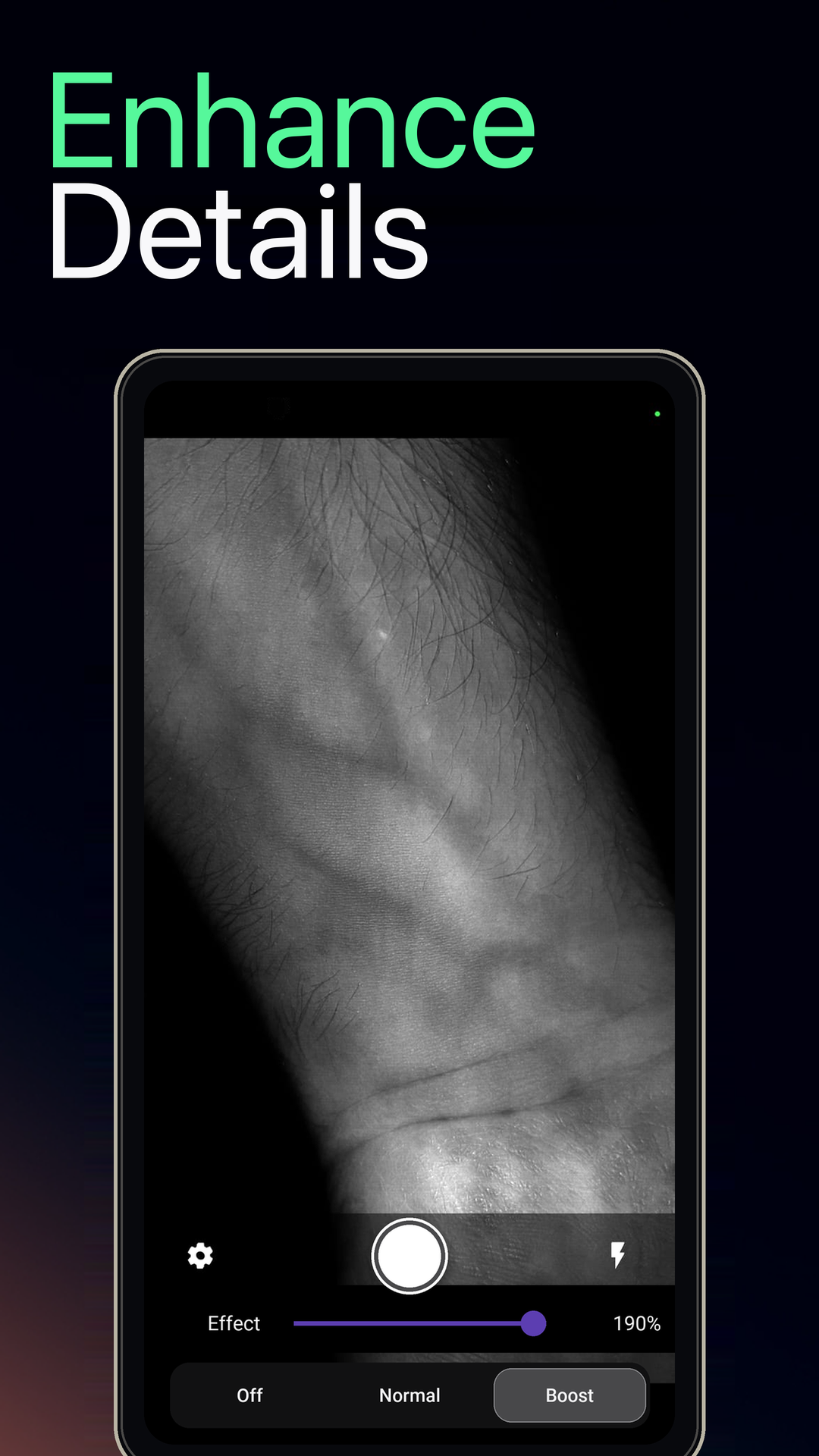
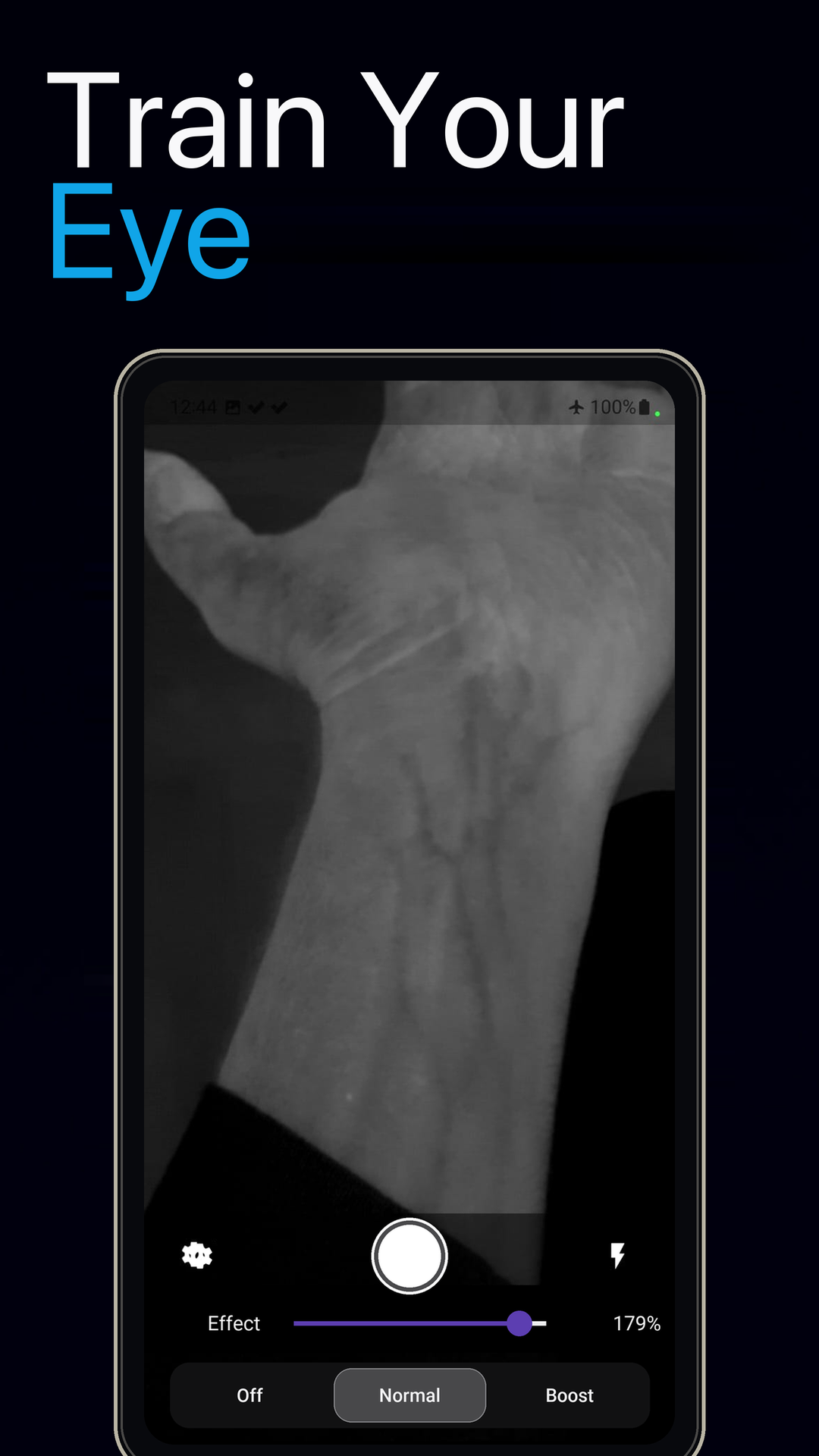
VeinExplorer enhances naturally visible surface vein patterns through your phone’s camera—built for anatomy learning, visual practice, and curiosity.
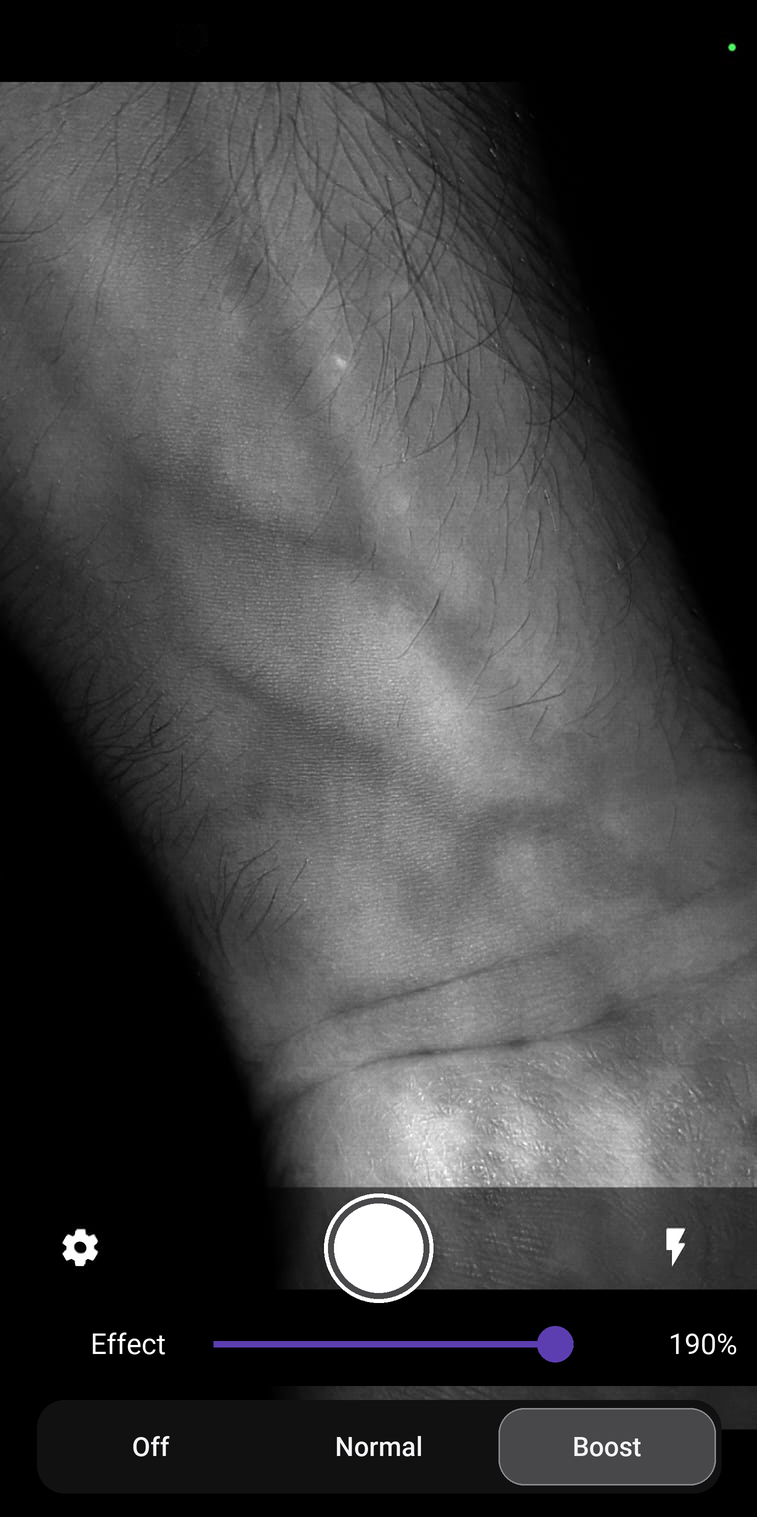
Made for exploration
Turn your phone into a responsive visual learning tool—without accounts, cloud processing, or additional imaging hardware.
Practice recognizing surface anatomy and naturally visible vein patterns in real-world conditions.
Observe how visibility changes with lighting, angle, movement, and other everyday conditions.
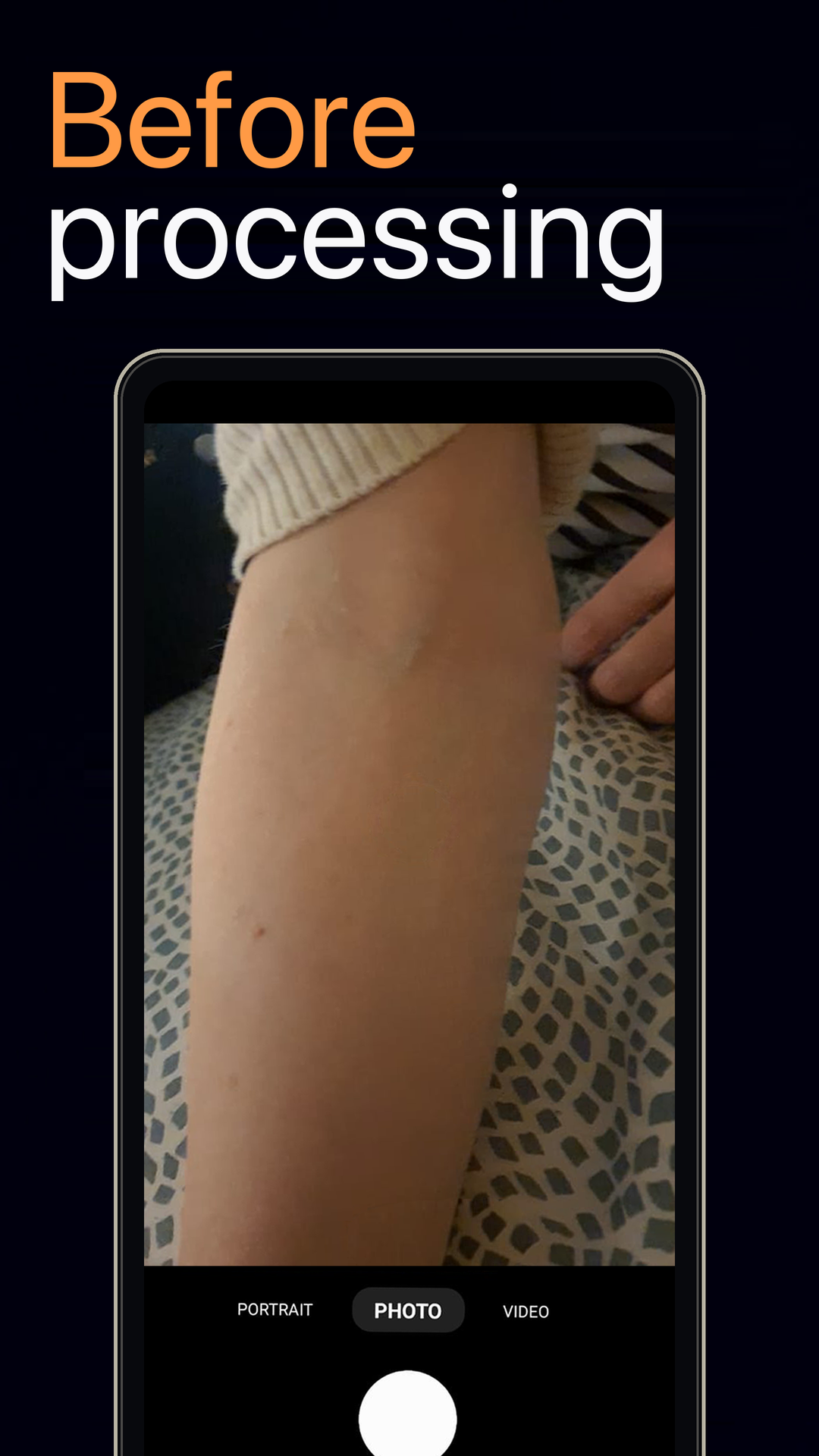
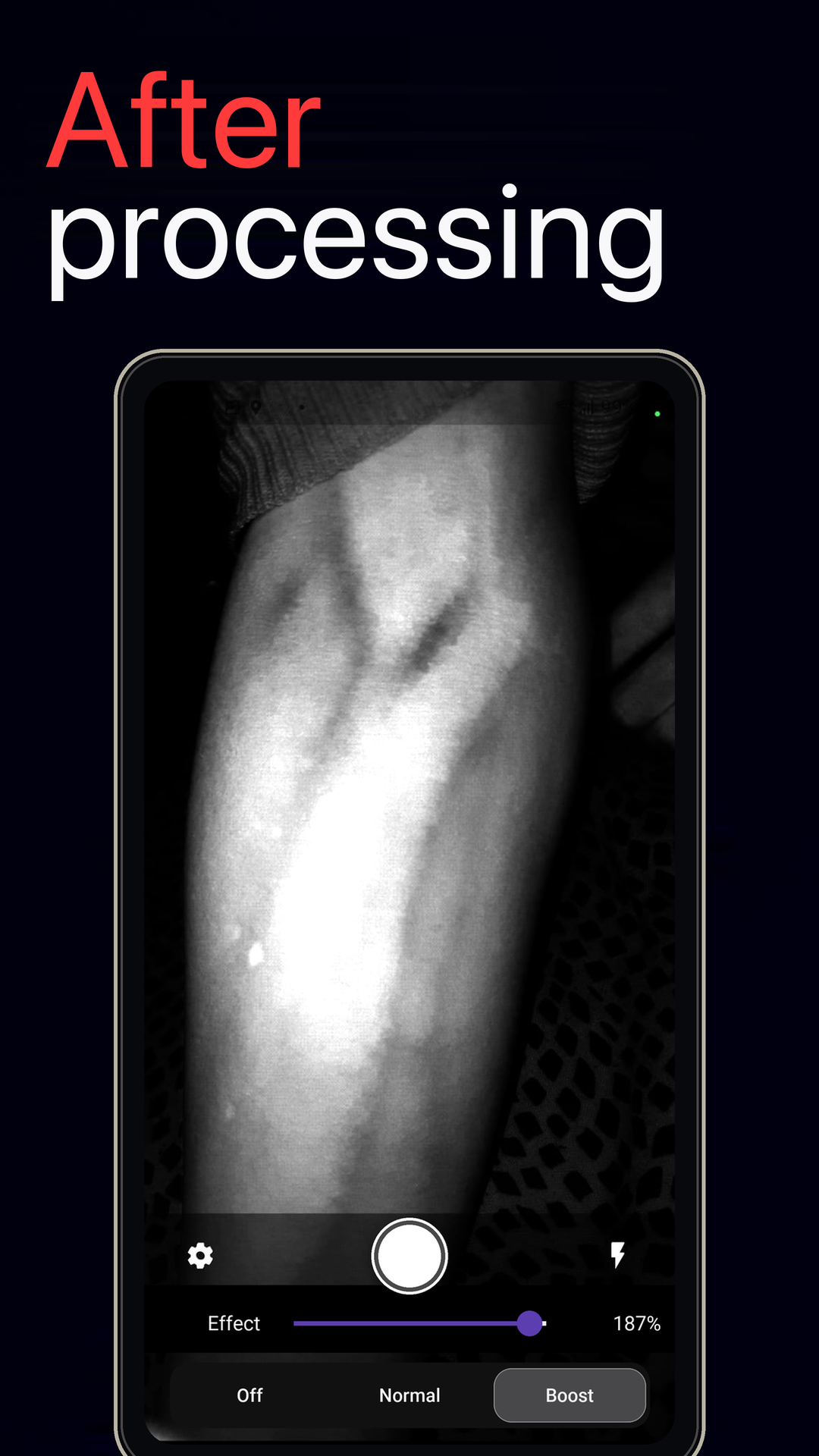
Compare raw and enhanced views to build a stronger instinct for where subtle patterns appear.
Purpose-built controls
Every control has a job: help you compare, fine-tune, and explore without getting in the way of the live image.
See the enhanced camera view immediately and adjust your position while the image responds in real time.
Switch between Off, Normal, and Boost to understand how enhancement changes the view.
Fine-tune effect strength for your lighting, camera, and natural skin characteristics.
Toggle the flashlight when more illumination helps reveal subtle detail.
Save an enhanced view to your gallery when you choose to capture it.
Camera images are processed on-device. VeinExplorer does not upload your live camera feed or record audio.
Read the privacy policySee the difference
Drag the control to explore how real-time processing can bring naturally visible surface patterns forward.
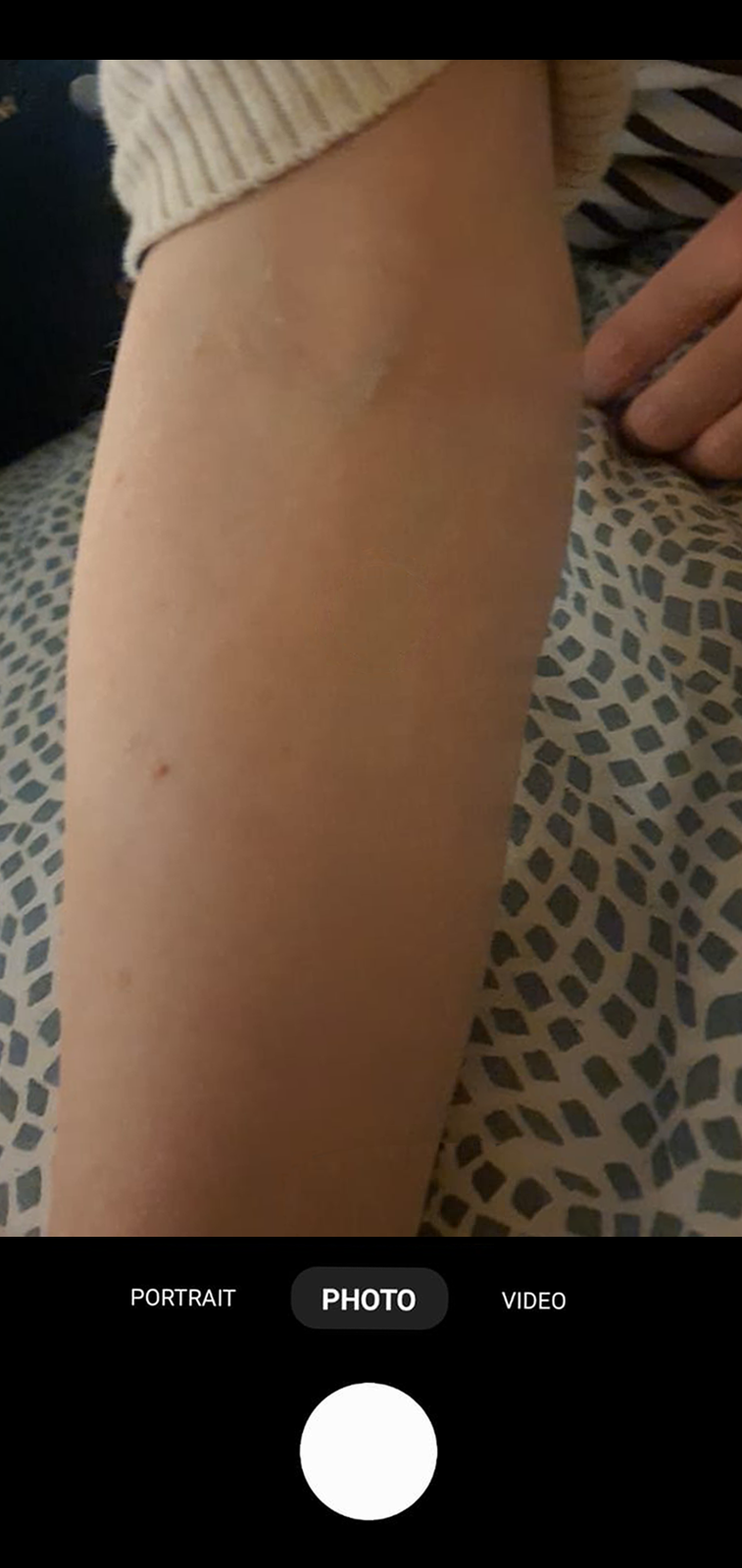
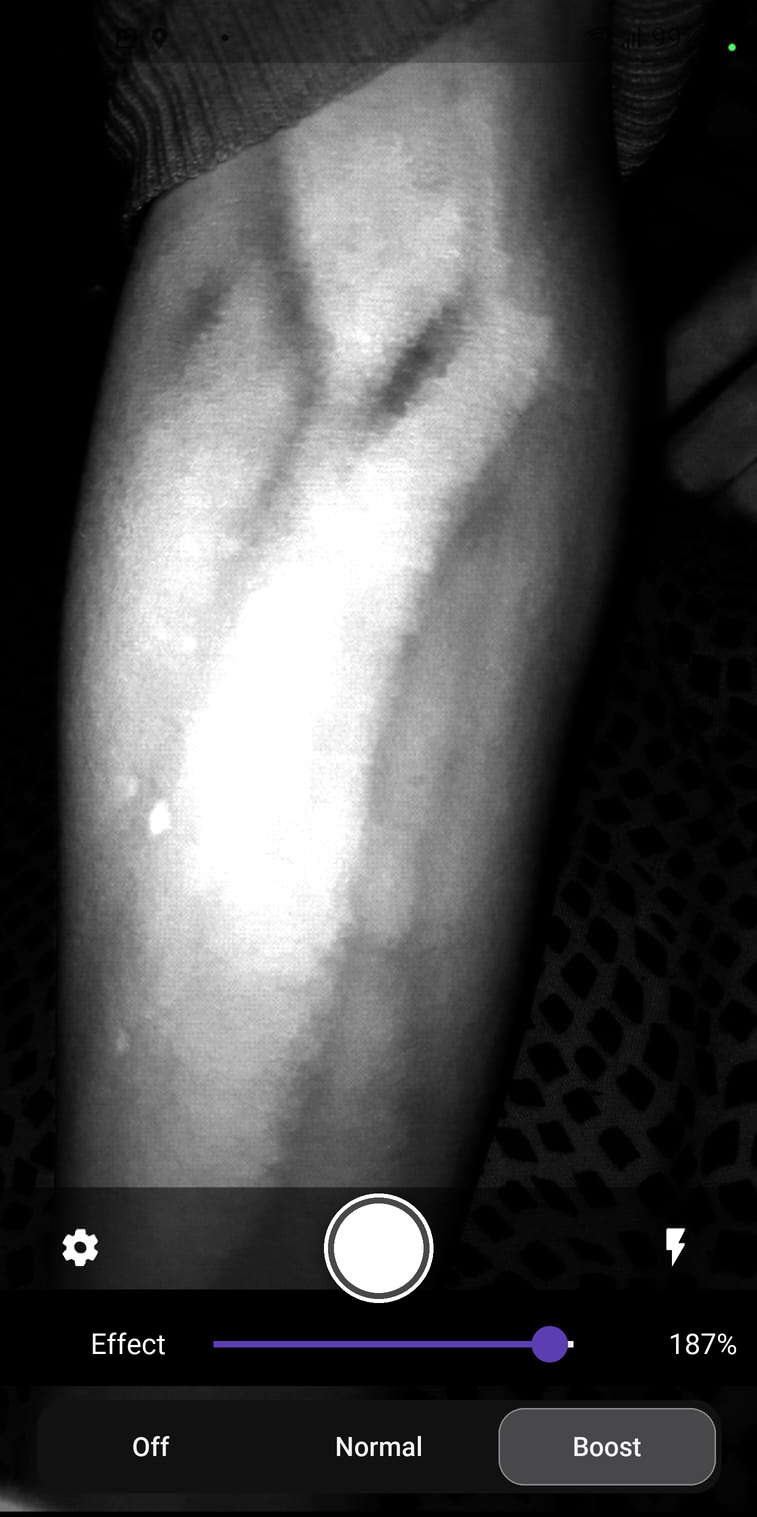
Inside VeinExplorer
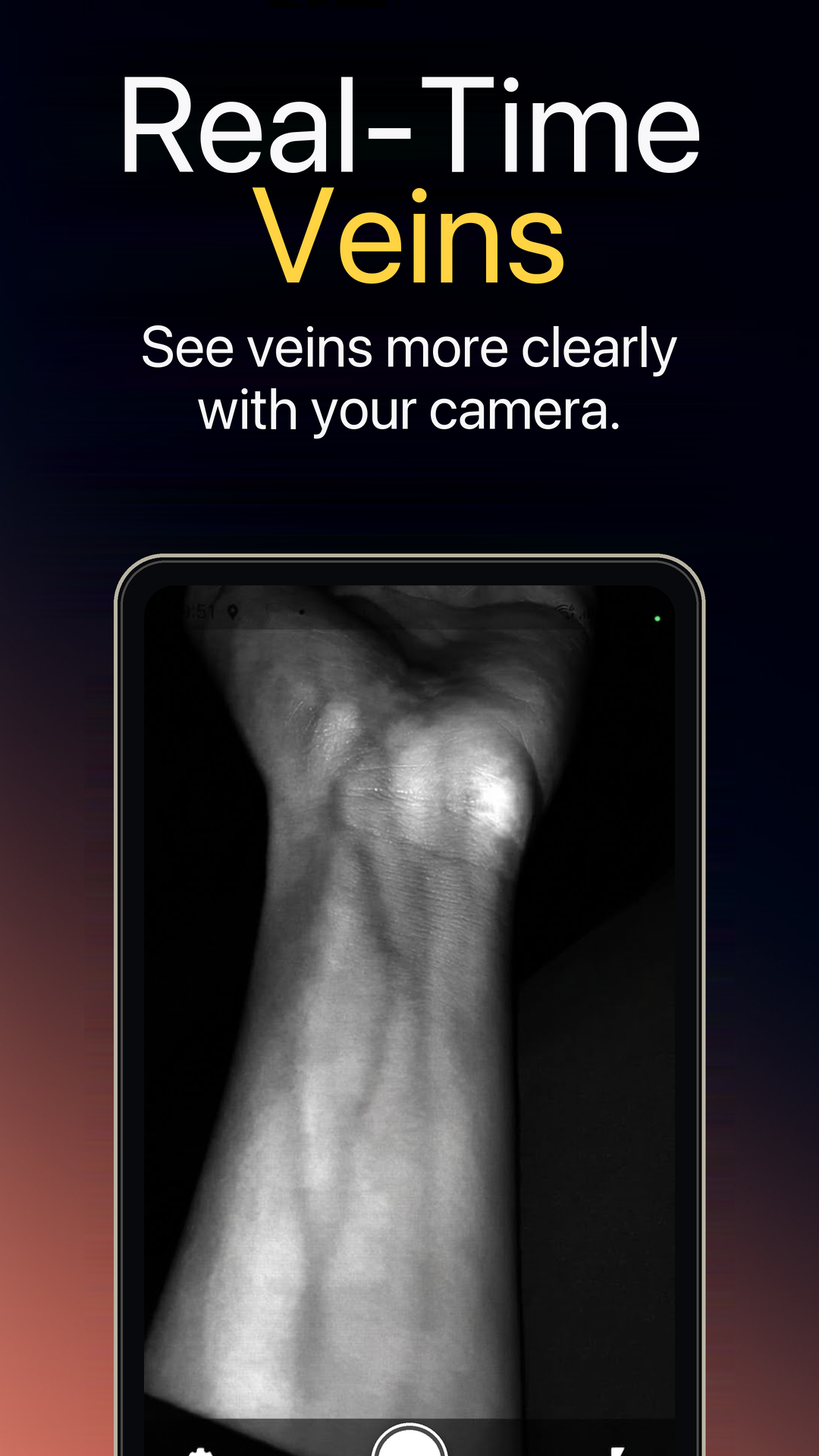
For better results
Avoid glare and direct sunlight. Try the flashlight when your environment needs more illumination.
Give autofocus a moment, then explore different distances and small changes in angle.
Move between Off, Normal, and Boost, then adjust effect strength until the image is useful to you.
Private by design
Your live camera feed and captured skin images are processed locally. VeinExplorer does not upload camera images or record audio. Crash and performance data may be processed as described in the Google Play Data safety section and our Privacy Policy.
Read the full Privacy Policy
Available for Android
Explore surface vein patterns with real-time, adjustable camera enhancement.
View on Google Play